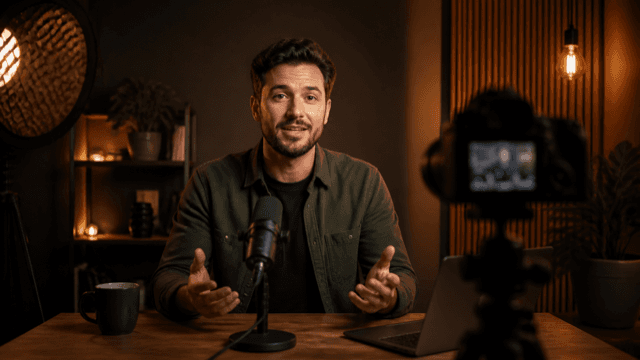
 SOLO,
NOT SMALL01
Identity
How I Run a One-Person Studio
YouTube thumbnail maker
Describe your video. Get a thumbnail with a matching title, and two more to test.
SOLO,How I Run a One-Person Studio
MY WEEK, FIXED02The System That Saved My Solo Studio
THE BOTTLENECK03What Was Slowing My Studio Down
Before the video starts
That first impression needs to make the topic clear, create interest, and stand out beside every other video they could watch.

14K views

8.7K views
Your videoSolo,120K views

21K views

11K views
What Tell Me creates
Each angle pairs a thumbnail with a matching title around a different audience and promise. Start with the one you like best. Add the other two when you’re ready to test all three in YouTube Studio.
Direction 01SOLO,AudienceThe ambitious solo creator
AngleIdentity
PromiseRun a studio that feels bigger than one person
Direction 02MY WEEK, FIXEDAudienceThe overwhelmed operator
AngleTransformation
PromiseReplace a chaotic week with a calmer system
Direction 03THE BOTTLENECKAudienceThe skeptical builder
AngleTension
PromiseReveal the constraint slowing the studio down
You stay in control
Each thumbnail is built from independent layers. Select its background, subject, headline, or graphic elements and change them directly. Everything else remains untouched.
 SOLO,NOT SMALL
Make it repeatable
Start from a template, then save your finished design to reuse its layout, type, colors, and visual treatment on future videos.
WEEK,RESETWeekly reset
EDITFASTEREditing system
PRICE ITRIGHTPricing story
How it works
One concrete video is enough. Bring a topic, title, outline, script, transcript, unpublished video, or YouTube link. Tell Me creates three different ways to present it.
Generate all three matched title-and-thumbnail options, then export your test kit and add them to YouTube Studio’s native test. When YouTube reports the result, return to Tell Me to record what happened and use it in your next iteration.
Enter your video and explore three directions first. Choose a direction, then sign in with Google to create one watermarked thumbnail preview and save your project.
After you see your first watermarked thumbnail preview. Choose a plan to generate the other two thumbnails with credits, edit layers, remove the watermark, and export your test kit. Plans also include templates, history, and new projects.
No. Start with text or a public YouTube video link. A public channel link or @handle can provide audience and style context without connecting YouTube. Connecting your channel is optional and separate from signing in with Google.